![How to Add Multiple Business Profiles in Google Maps [2026 Guide]](https://cdn.prod.website-files.com/66db9a55dc1c17a7a5711b34/6a4be86b10eefbdf03dd8599_How%20to%20add%20a%20new%20business%20profile%20(1).jpg)
Want to watch the full video instead? Click below!
Adding a secondary location to your business on Google Maps can be extremely effective for ranking outside of your main service area on Google
However, in 2026, Google can be very strict on which businesses it allows to get verified on Google Maps, and we work with dozens of multi-location home service businesses, so we've ran into this a lot
Today, I'm gonna show you our method for adding a new location to your business on Google Maps that more often than not results in you getting verified right away But in some cases, it doesn't. So I'm gonna show you the different types of proof and verification methods Google is going to ask for, and then how to submit them properly so you do end up getting verified. There's gonna be three parts to this video. First, I'm gonna walk you through getting the profile set up in the first place, so I'm gonna share my screen and walk you through every single step. The second is getting verified if you need to, and then the third is what to do after you get verified.
Real quick, if you don't know who I am, my name's Steven. I run endurancedigital.net, and we help local home service businesses get more leads organically from Google through ranking them on searches that their customers are actively looking up
Now, if you're looking for someone to manage your local SEO and scale your lead generation through Google Search, definitely click the link below and book a call with me.
But either way, let's get back into the video
No editing needed on the red part
the first thing you wanna do is go to your preexisting business profile, your main profile. Then click on the three dots, click add a new business profile, and then it's gonna bring you to this page here
And we wanna make sure that all the information on our new business profile is the exact same as our previous one. So the name is gonna be the exact same, and it's going to, uh, when I type this in here, suggest my already existing business profile. If you click on this, it's gonna bring you to another page that says you already manage this business profile, and if you click Continue, it's just gonna bring you back to your existing business profile, which we don't want.
So I'm gonna go back to the page here, and I'm gonna retype my information. Endurance Digital, just keep it like that. And then make sure, again, the category is the same as the previous one. Just click Next here. Do you wanna add a location? So I'm gonna click Yes. We wanna have a pin on the map. So this is where it gets interesting.
You have to determine where is your new location. Do you have a legitimate office? If you do, is there signage on the office? Do you have proper signs? And you can show s- street signs to Google because that's gonna be included in the verification methods moving forward after this. But if you don't, don't worry about that right now.
In my case, and in a lot of your cases, you wanna add a new location to a home address. And so this is just for demonstration purposes. I'm not actually gonna publish this business profile because I don't want my home being my business profile, but I will show you how to do it either way. So I'm gonna click Yes, right?
Again, I'm using my home as the business profile. So I'm gonna enter in the street address here. I might blur this out so it's not, um, on YouTube. But either way, let's get... let's do this here
Okay, so I've got my address in here. Do you provide deliveries or home and office visits? I'm gonna say yes in this case. The areas you serve. So I'm gonna say North Vancouver. Uh, this is gonna be your suburbs and neighborhoods surrounding your business profile, so just add in whatever you want here
Contact information. So again, make sure this is the exact same as your previous business profile Okay, cool. So I'm verified. I'm gonna click next here. Okay, I'm gonna skip all this. The business description, just gonna copy and paste the one from your existing profile.
All right, I've got this added in. We're gonna go next. Storefront photos. I've got nothing here right now, so we're gonna skip this. I would suggest you don't add any photos at this stage just yet. Gonna skip this, skip all this. Okay, Continue. Boom! So it says that I'm verified, but I have-- of course, am not verified yet.
Google is still processing your verification. It could take up to five days. So I don't know if this worked yet or not, and you probably won't either
Sometimes this could take an hour, sometimes it could take a week, or even two weeks in some cases
Most of the time when the business profile is set up properly like this, it gets verified very quickly, even if you operate out of your home what I typically find is the longer your business has been around, so if you've been in business and your business profile has been active on Google for like five years, 10 years, have a very likely chance of getting verified the next time around when you add your new business profile following these exact steps.
But again, with Google, it's impossible to say what's going to happen. So let me walk you through the different verification methods Google might ask you for, and then how to get around them
real quick, after I filmed this whole video, I did learn that the business profile actually did get verified and is now being shown to the public on Google Maps as you can see here
so like I mentioned, this method works ninety percent of the time, but it's not always a promise that the business profile is going to stay verified. So make sure you continue watching this video to see what to do next or if your business profile gets flagged or suspended
there's a few main methods that Google's gonna ask for in terms of verification. These include a live video call with a Google rep. It could be submitting a video recording that you take yourself. It could be through a piece of mail that they send to your office address.
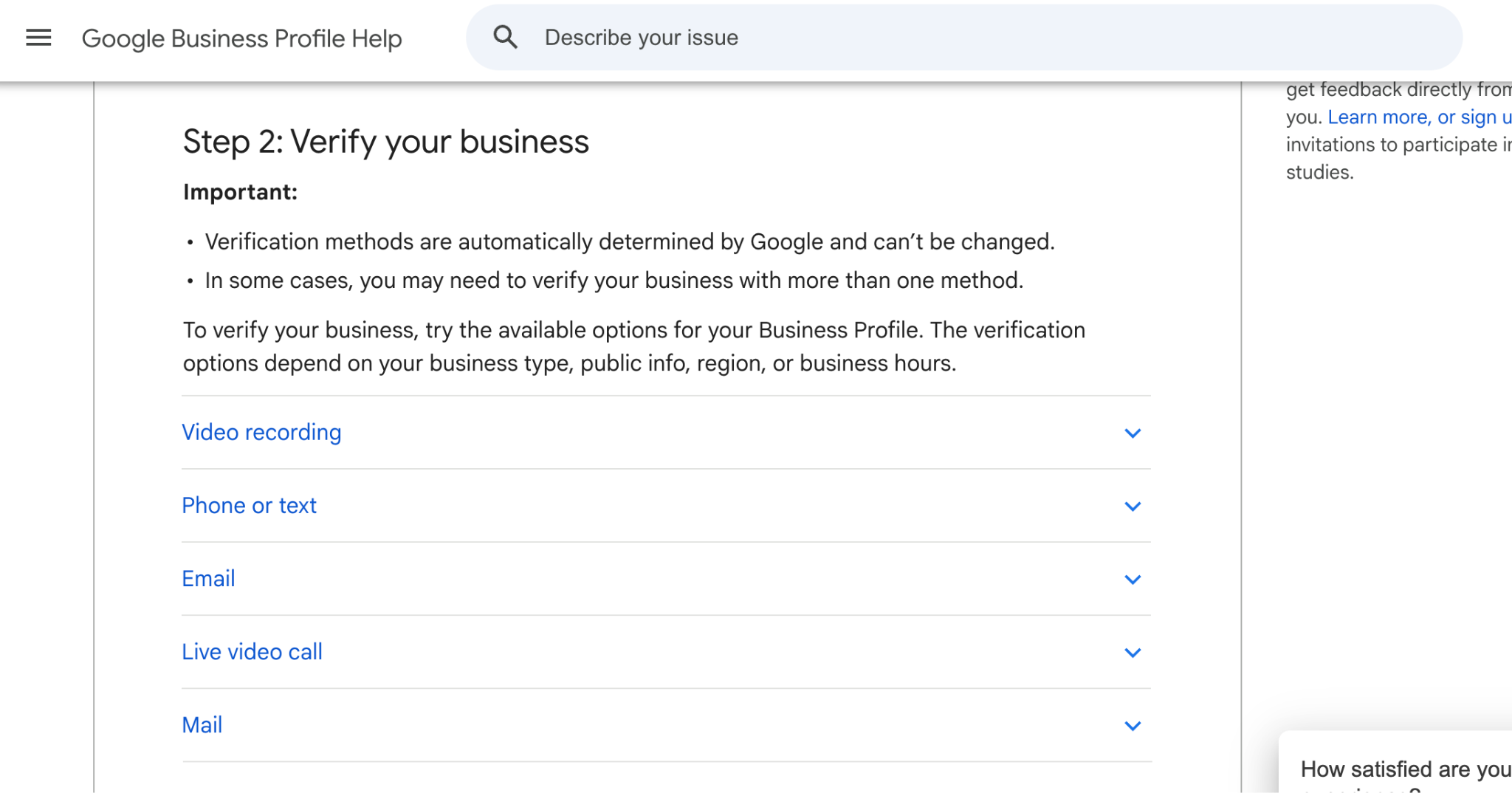
It could be through a phone or text or email verification method. Or it could be submitting and uploading documents related to your business that include the address of your new profile on it
With all these verification methods, what Google's looking for is continuity between your business operation and your address, your new business profile address
if you can prove to Google that your business truly operates out of this address, then you will get verified
Now, if they're gonna send you an email or a text message or a piece of physical mail to get verified, that's fairly obvious, and it's straight to the point. It's easy. You don't really have to do much. But if they ask for a video recording and you don't actually have an office space, you just operate out of your home, that's the hard part.
The easiest fix for this, and what we recommend to our clients, is just renting out an office space. In most major cities, there's business parks and small office spaces you can rent for sometimes three hundred to five hundred dollars per month, and it's just a simple office, but it's legitimate. You can put a sign on the door, and you can send a video to Google.
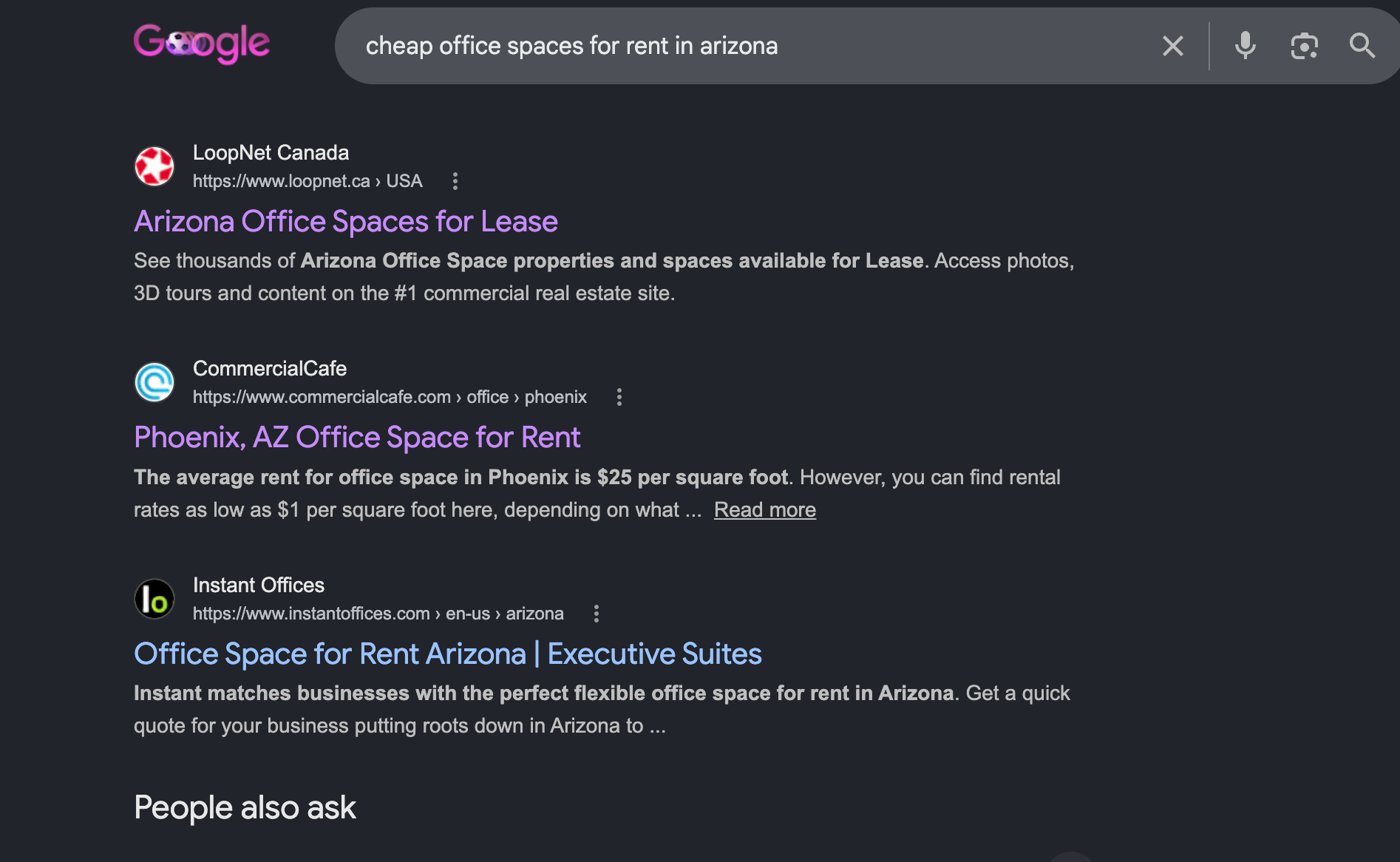
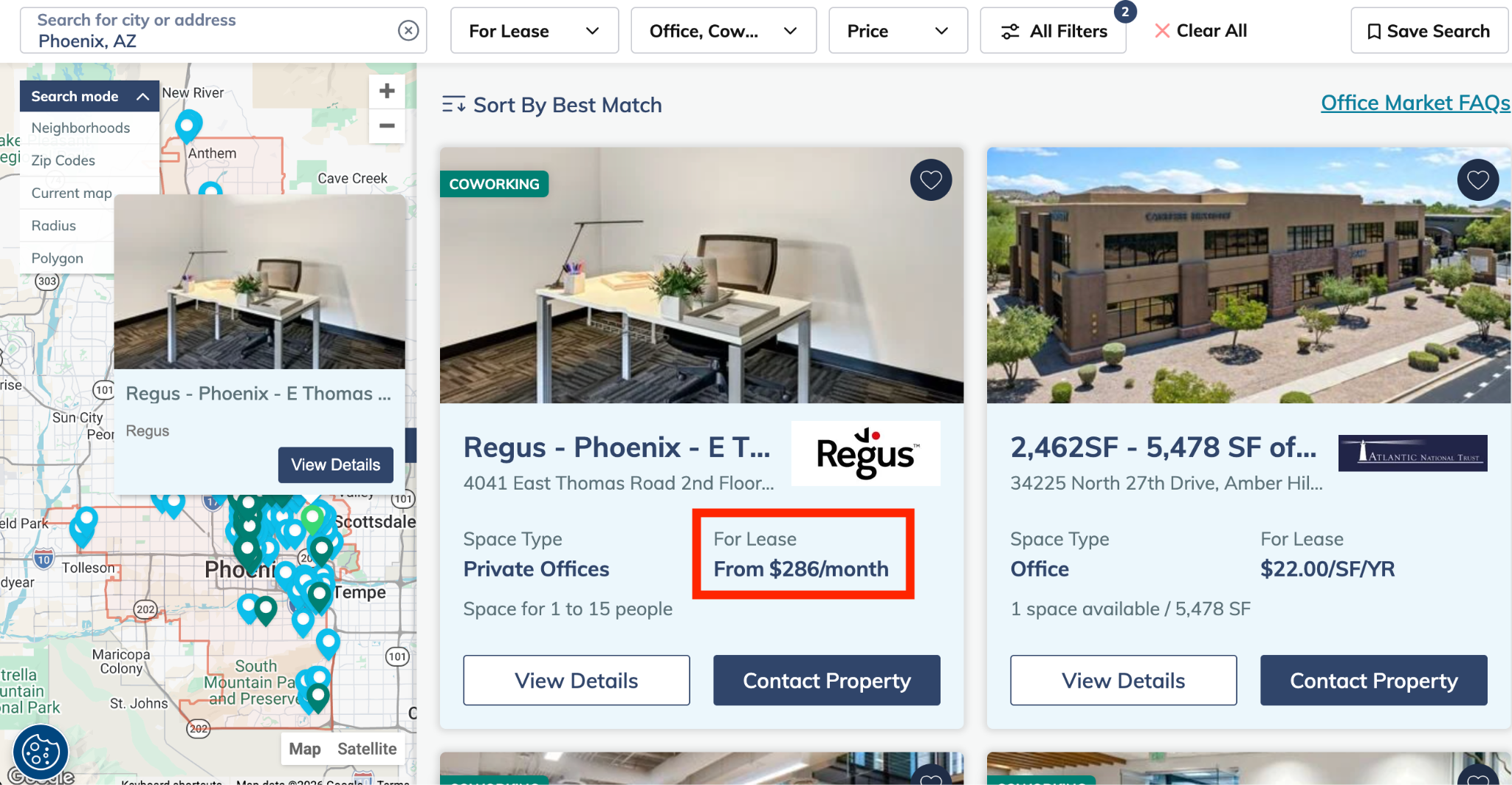
Show this when I say “three hundred to five hundred dollars per month”
They'll verify you right away But if that's totally out of the realm of possibility for you, then here's what to do instead
what you wanna have for the video is not just evidence that your business exists in this physical location, but also that you are a manager or owner of the business.
So there's a couple ways that you can prove this. If you are operating out of your home or at a new office address, first, make sure you have signage of the business somewhere in a permanent or semi-permanent manner
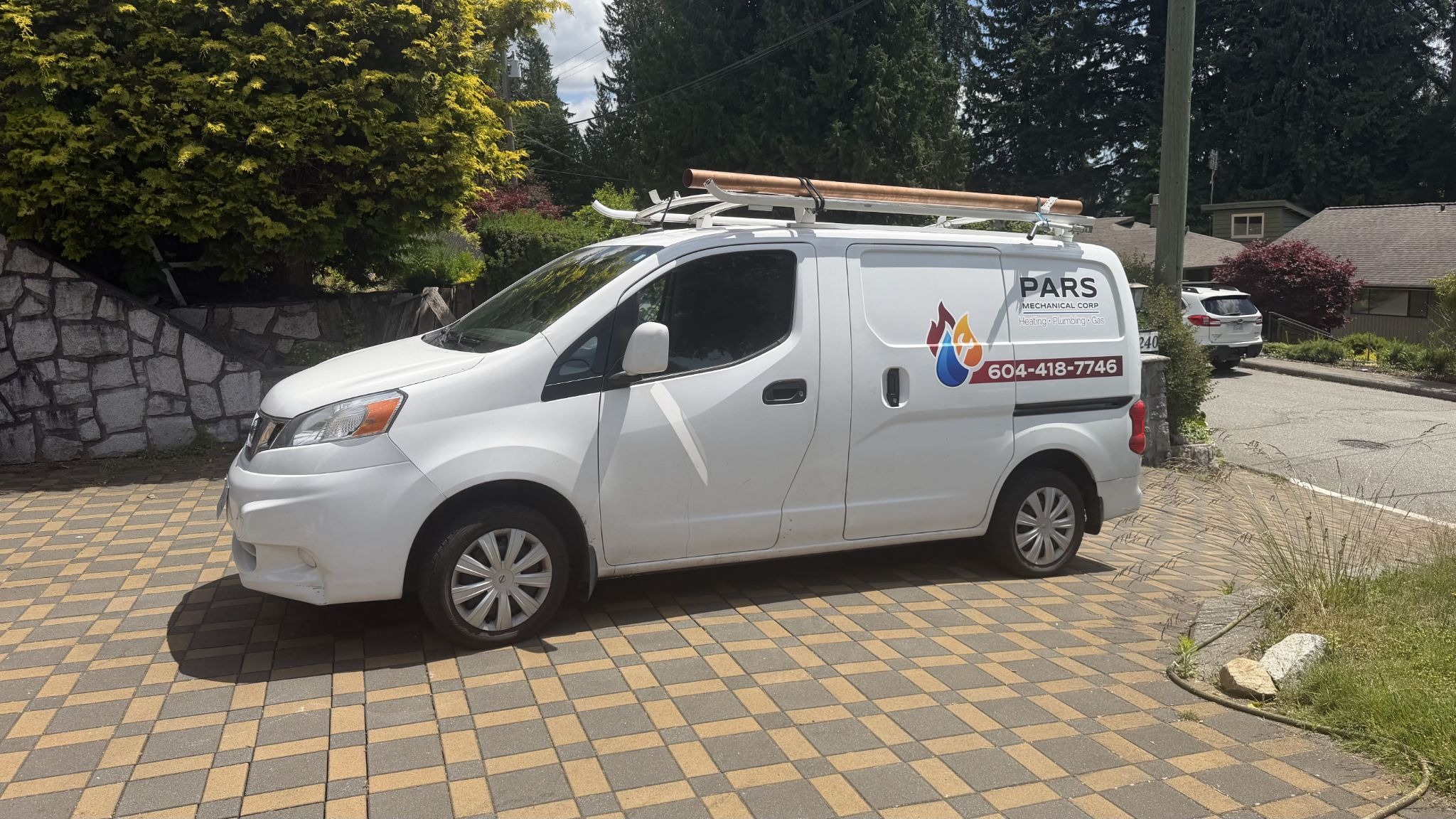
so if you just have a slip of paper that you printed out with your business name on it and you taped it to the door, that's not good enough. Go to a print shop, get a legitimate logo made for your business, print that out, and then mount it to a window or your door or somewhere that's, again, permanent or semi-permanent. This is one thing you're gonna show in the video. The next thing, if you have vans or a truck that has branded marketing on it, like your logo, have that included in the video as well, and show yourself not just looking at the van, but unlocking it with your keys as well. This is gonna prove that you own this vehicle, and hence you own the business.
The next thing you wanna show in the video, which I would argue is probably a good thing to show first, is street signage or any, uh, landmarks around your area that showcase where the business is located and prove that this is where you are
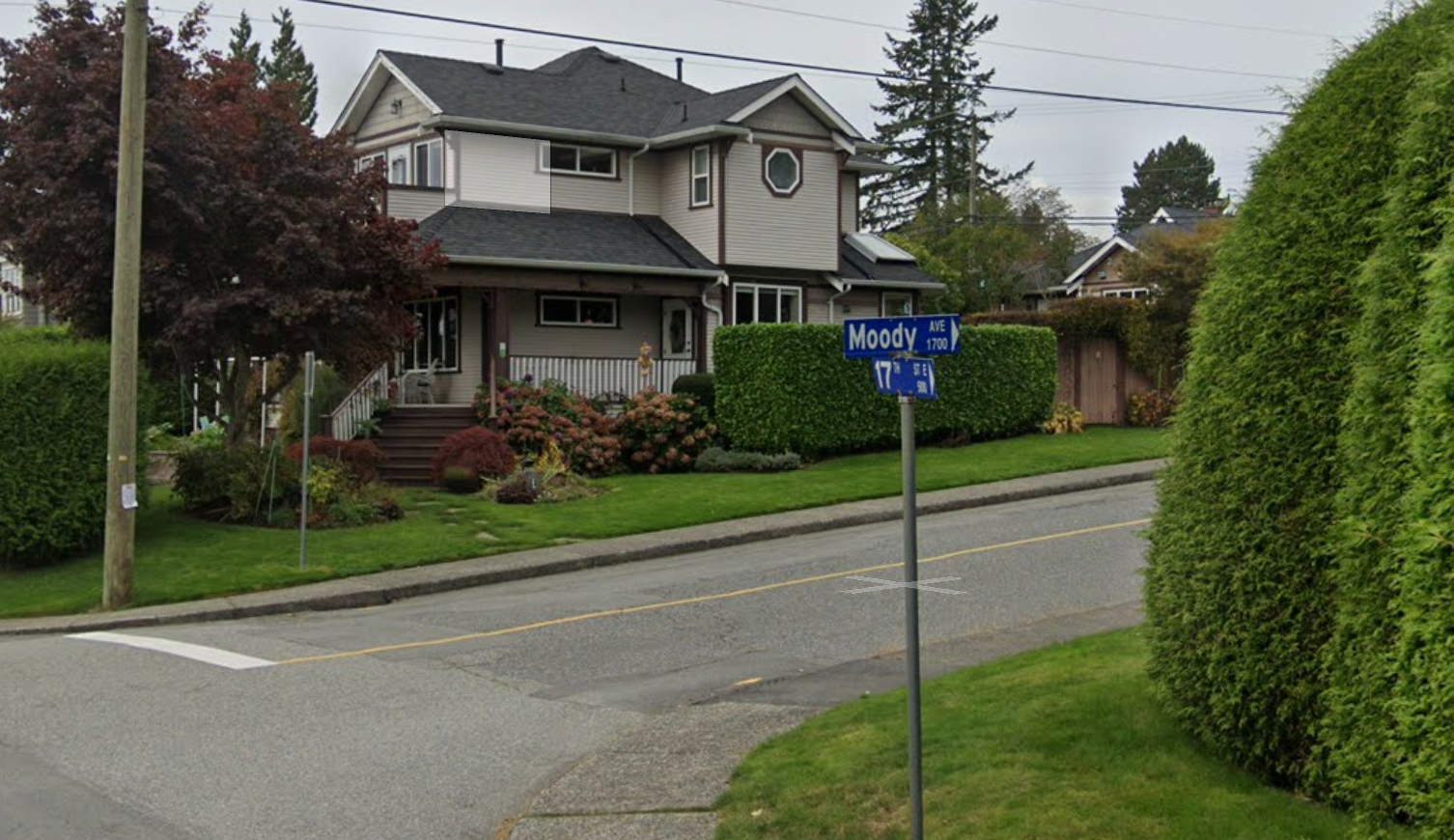
So what I usually recommend is if you're in a business park, let's say, start outside and then show the area and specifically show a street sign that again proves where you are, and then move into the building from there.
So if you're at a home, then you could show the street sign and then move into your alley or however that's gonna work for you, whatever that looks like
A couple other things. If you don't have a van that you can show to prove that you're the owner or manager of the business is documents, uh, papers. So this can be like an invoice or your business permit that matches... The name on the invoice matches your business profile name or products, tools, machinery that really only a manager would own or a business owner would own
Show stock video here that I uploaded of the van with tools out the back
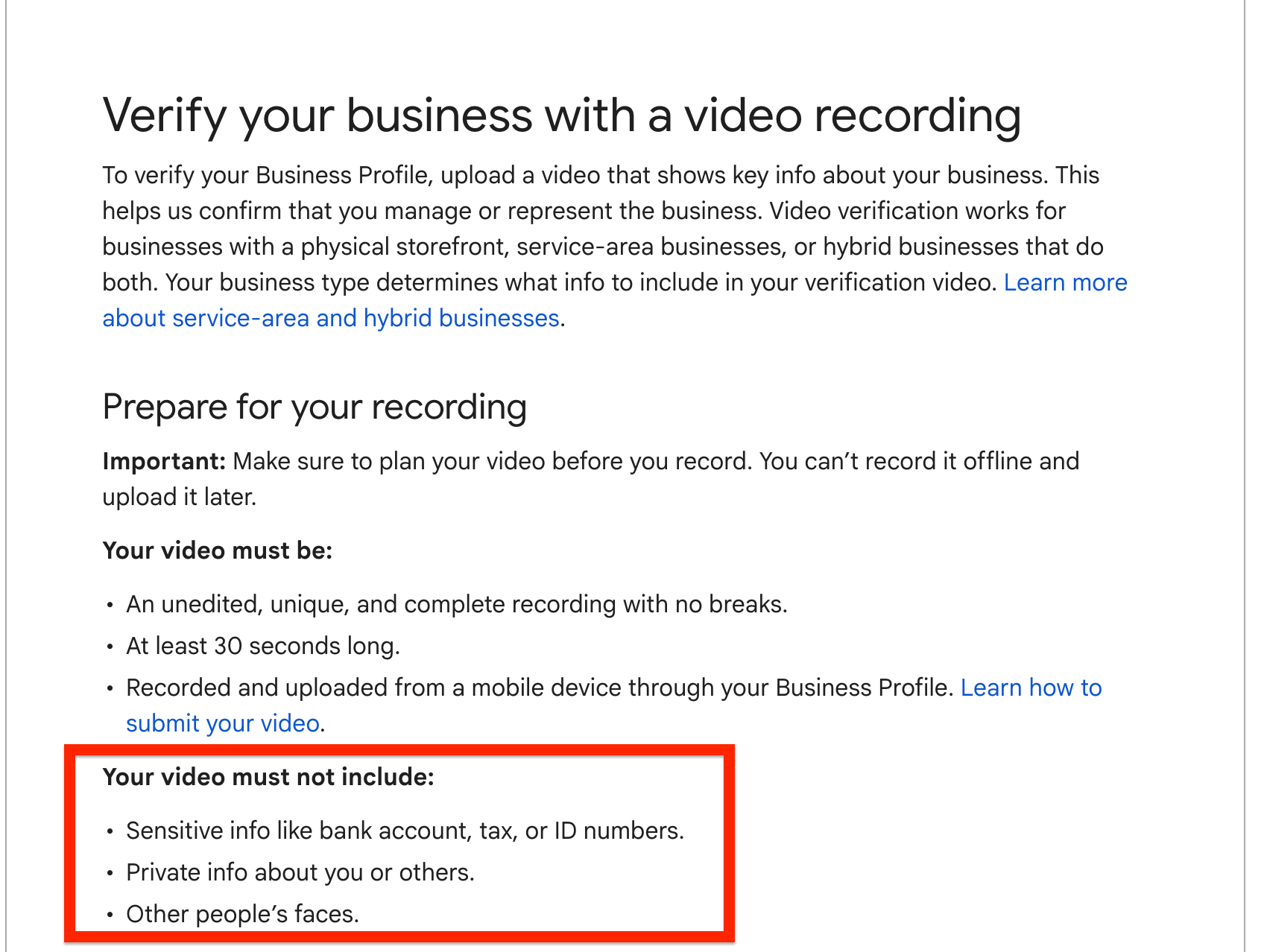
Now as a general rule of thumb, you want the video to be at least thirty seconds and max four or five minutes. And make sure in the video you do not include other people's faces or private information or sensitive information like your bank account info, your ID, etcetera
On the topic of documentation, though, Google might ask you to submit more evidence that your business exists in the form of documentation. So this could be invoices or utility bills or your business permit, your business license, et cetera Again, what Google is looking for here is continuity between your business profile and your real-life documents.
So what you wanna make sure is that the business name on your documentation matches the business name that you put on your profile. You also wanna make sure the address matches on both things. So if you have receipts, documents, invoices that you can create that has your new business profile location listed as the address and your business name, make sure those two things are on it, then submit those to Google in the Evidence folder as well
Show a graphic here when I say “documentation matches the business name..” of a business profile and an invoice showing a matching address
Now, if you don't know where to submit this information, it should be very obvious. All you have to do is go to your business profile, and it will tell you what action you need to take to get your profile verified, and then just follow the steps that Google gives you
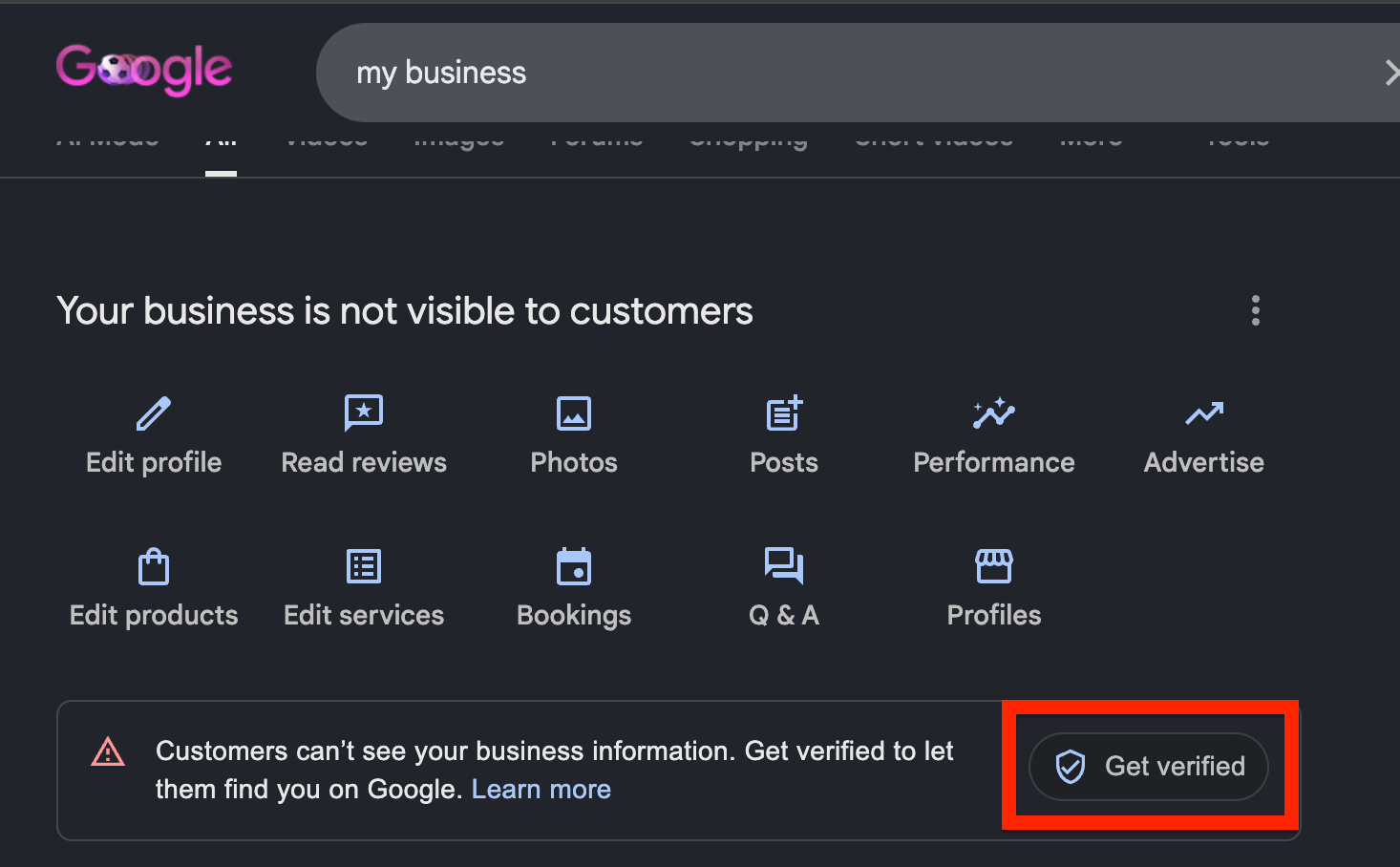
Okay, so once you follow these steps and you've gotten verified, what do you do now?
What we found is that the weeks following a business profile going live can be very sensitive in the sense that if you get a bunch of reviews or add a bunch of photos or change around the information on your business profile, it has a much higher likelihood of getting flagged and then suspended by Google, and then you have to redo the entire verification process, and we do not want that under any circumstances
so in order to maintain the business profile and not get suspended with your new listing, I would suggest not doing anything for the first two weeks after it gets verified. Once that two-week period is up, then start adding information slowly. So I would start adding photos to the business profile, get one or two reviews in that first week, and then slowly over time ramp up from there.
So in the weeks following, so let's say in the first two weeks you're doing nothing, and then in the four weeks following that, you should slowly be adding in information and getting reviews consistently to the profile. Then after that point, once the business profile has been around for a month or two months, then you're in a good standing with Google, and you can be pretty confident that adding in new information, adding in consistent updates, getting more and more reviews on a weekly basis is not gonna flag your profile.
So there you have it. That's how to add a new location to your business on Google Maps in 2026. If you've got any questions, let me know in the comments. If you're having any issues or specific verification method questions, I'll try to answer them as best as I can. But either way, thanks for watching and I'll catch you in the next one!
.jpg)